ProGrade BT
Publisher Description

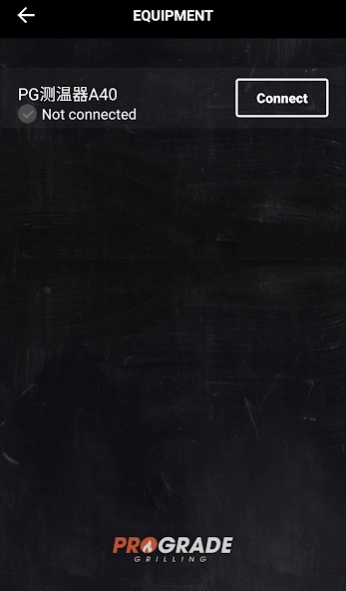

ProGrade is a smart cooking thermometer
ProGrade BT is a smart cooking thermometer that connects wirelessly to your smartphone via Bluetooth. ProgGrade BT has improved with APP Cloud Technology. No matter when your food is done or where you are, our thermometer takes the time and hardship out of the grilling process. We are always enhancing the ProGrade BT app to make your cooking easier and more convenient. Functions like timer, temperature, graphing and others will allow you use it in any way you see fit.
ProGrade BT app features:
1. Displays temperature in real time
2. Monitor up to2 probes simultaneously
3. Customized cooking modes for different meat types and donness levels
4. Countdown Timer
5. Sound and vibration alarm
6. Temperature tracing graph
7. Share the data records to social media such as Facebook and Twitter
Languages supported: English (USA), French, Chinese
About ProGrade BT
The company that develops ProGrade BT is timaimee. The latest version released by its developer is 1.0 .
To install ProGrade BT on your Android device, just click the green Continue To App button above to start the installation process. The app is listed on our website since 2025-12-29 and was downloaded 9 times. We have already checked if the download link is safe, however for your own protection we recommend that you scan the downloaded app with your antivirus. Your antivirus may detect the ProGrade BT as malware as malware if the download link to com.dtston.smartthermometer is broken.
How to install ProGrade BT on your Android device:
- Click on the Continue To App button on our website. This will redirect you to Google Play.
- Once the ProGrade BT is shown in the Google Play listing of your Android device, you can start its download and installation. Tap on the Install button located below the search bar and to the right of the app icon.
- A pop-up window with the permissions required by ProGrade BT will be shown. Click on Accept to continue the process.
- ProGrade BT will be downloaded onto your device, displaying a progress. Once the download completes, the installation will start and you'll get a notification after the installation is finished.
